
Free Image Tools for Smarter, Safer Sharing
Compress, resize and remove photo metadata online with simple browser-based tools built for speed, privacy and everyday image sharing.

Popular Free Image Tools
Use simple online tools to resize, compress and protect your photos before sharing them online.
Image Compressor
Reduce image file size while keeping good visual quality.
Image Resizer
Resize photos for websites, social media and online sharing.
EXIF Metadata Remover
Remove hidden location and camera information from photos for better privacy.
Image Cropper
Crop JPG, PNG and WebP images with custom ratios, zoom and rotate.
JPG to PNG Converter
Convert JPG and JPEG images to PNG quickly and privately in your browser.
PNG to JPG Converter
Convert PNG images to JPG with adjustable quality and background color directly in your browser.
WebP Converter
Convert JPG, PNG and WebP images with adjustable quality directly in your browser.
Explore Chat Pic Guides
Learn safer ways to share images online, protect photo privacy, use helpful tools, and discover modern ChatPic alternatives.
Why Use Chat Pic?
Chat Pic is built for people who want simple image tools, safer photo sharing, and clear privacy guidance. Our browser-based tools help you resize, compress, and clean image metadata without making the process complicated.
Browser-Based Tools
Your images are processed directly in your browser for a faster and more private experience.
Simple & Free
Use practical photo tools without complicated settings or technical knowledge.
Privacy Focused
Resize, compress and remove unnecessary photo metadata before sharing images online.
Latest Guides
Explore our newest guides on image sharing, photo privacy, compression, resizing and safer online sharing.
-
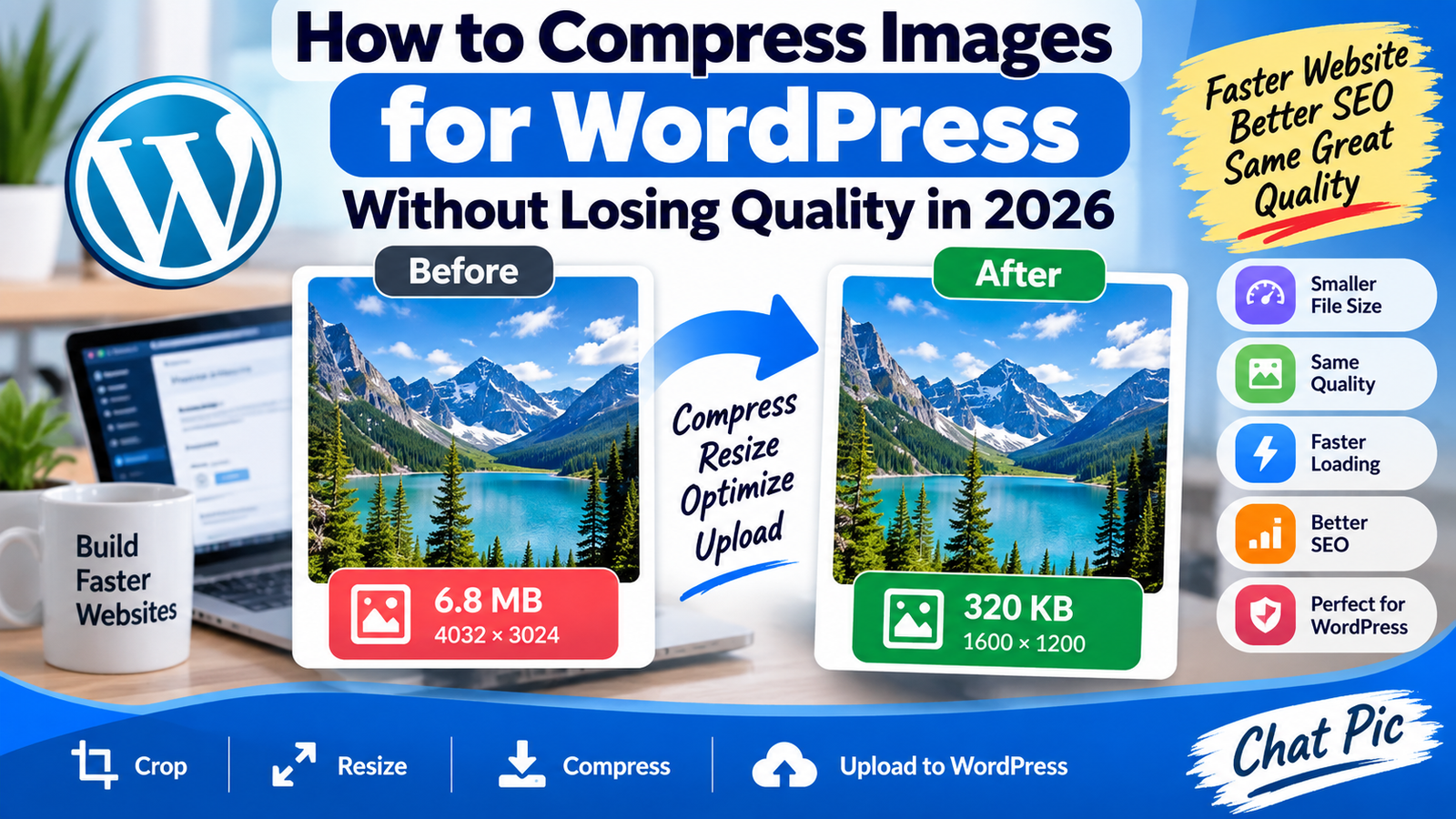
How to Compress Images for WordPress Without Losing Quality in 2026
Want to compress images for WordPress without losing quality before uploading them to your website? Large images are one of the easiest ways to make…
-
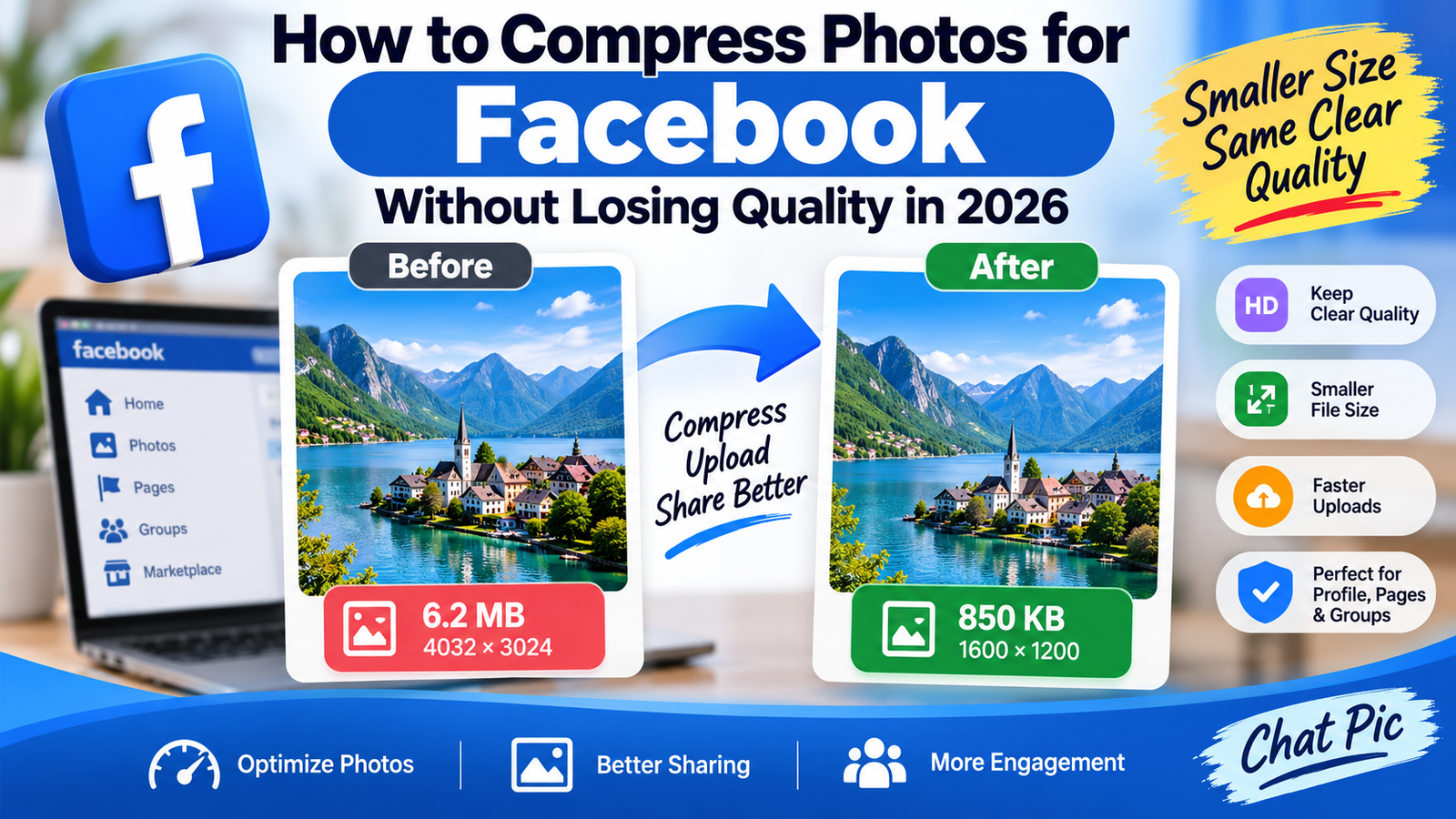
How to Compress Photos for Facebook Without Losing Quality in 2026
Want to compress photos for Facebook without losing quality before uploading them to your profile, Page, group, or photo album? Modern phones and cameras can…
-
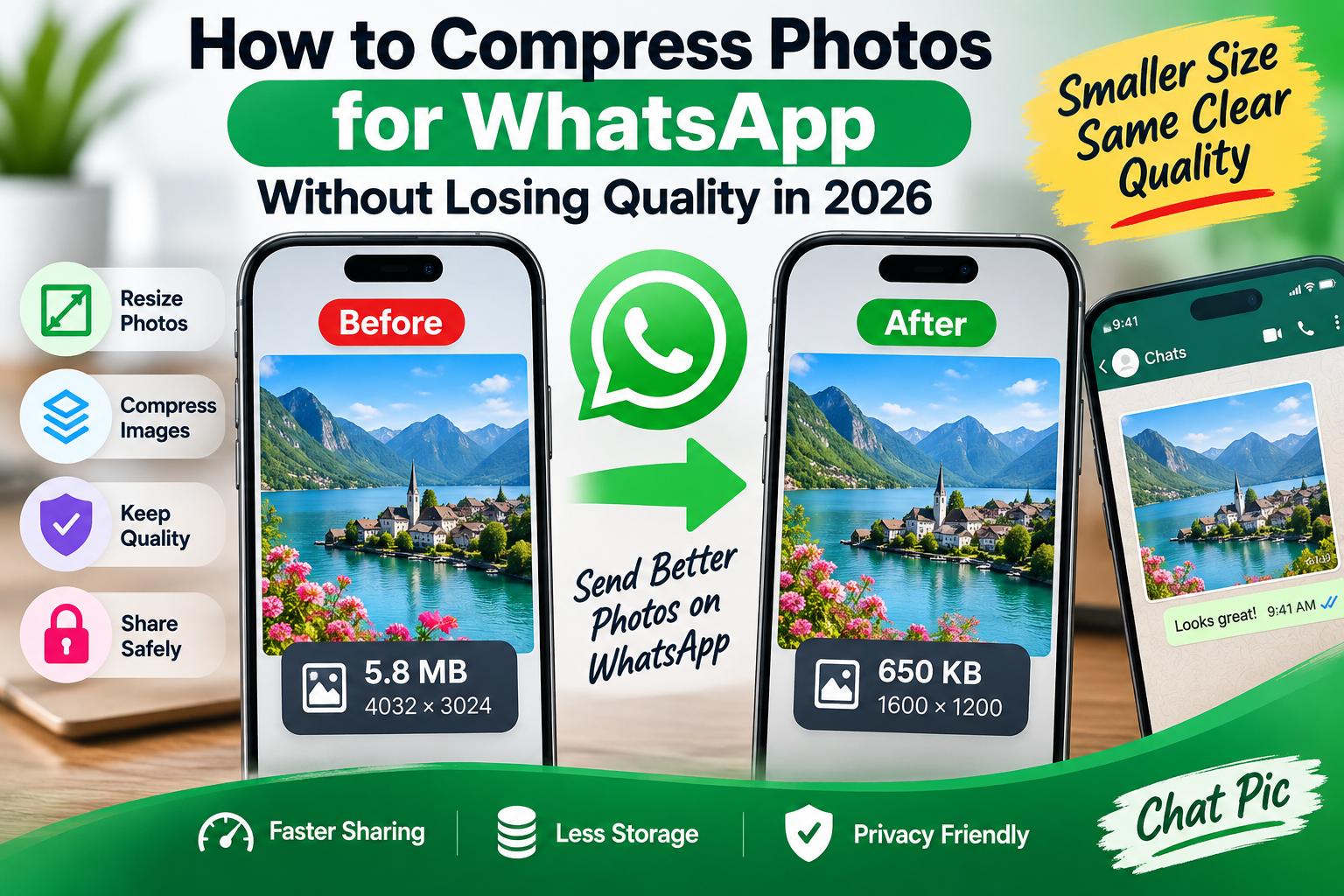
How to Compress Photos for WhatsApp Without Losing Quality in 2026
Want to compress photos for WhatsApp without losing quality before sending them to friends, family, customers, or groups? Large smartphone photos often contain far more…
Image Optimization & Photo Privacy
Images can affect website speed, storage, privacy and the way photos look when shared online. Chat Pic helps you prepare images before uploading by reducing file size, resizing dimensions and removing unnecessary metadata. Using the right image size can improve page speed and make sharing easier, while checking EXIF information can help protect details such as camera data and location information.
For websites and social media, it is usually better to resize an image to the dimensions you actually need instead of uploading a very large original file. Compression can reduce file size while keeping good visual quality, and metadata removal can create a cleaner sharing copy when privacy matters.
How to Prepare Photos Before Sharing Online
Before sharing a photo online, it is worth checking more than just how the image looks. Large files can be slow to upload, unnecessary dimensions can waste bandwidth, and photo metadata may contain camera or location information. A simple preparation process can make images faster to share and better suited for websites, social media and private sharing.
Resize
Resize images to the dimensions you actually need for websites, social media and online sharing.
Compress
Reduce image file size to make uploads faster while keeping good visual quality.
Check Metadata
Review and remove unnecessary EXIF information such as camera details and location data before sharing.
Frequently Asked Questions
Can I compress images without losing quality?
Yes. Good image compression reduces file size while keeping the image visually clear. The final quality depends on the image format, dimensions and compression level.
Why should I resize images before uploading them?
Resizing an image to the dimensions you actually need can reduce file size, improve upload speed and help websites load faster.
Can photos contain location information?
Yes. Some photos may contain EXIF metadata such as camera details, capture time and GPS location information.
How can I remove EXIF metadata from a photo?
You can use Chat Pic’s EXIF Metadata Remover to create a cleaner sharing copy before uploading or sending the image online.
Ready to Prepare Your Images?
Use Chat Pic’s free image tools to compress, resize and clean photo metadata before uploading or sharing your images online.